

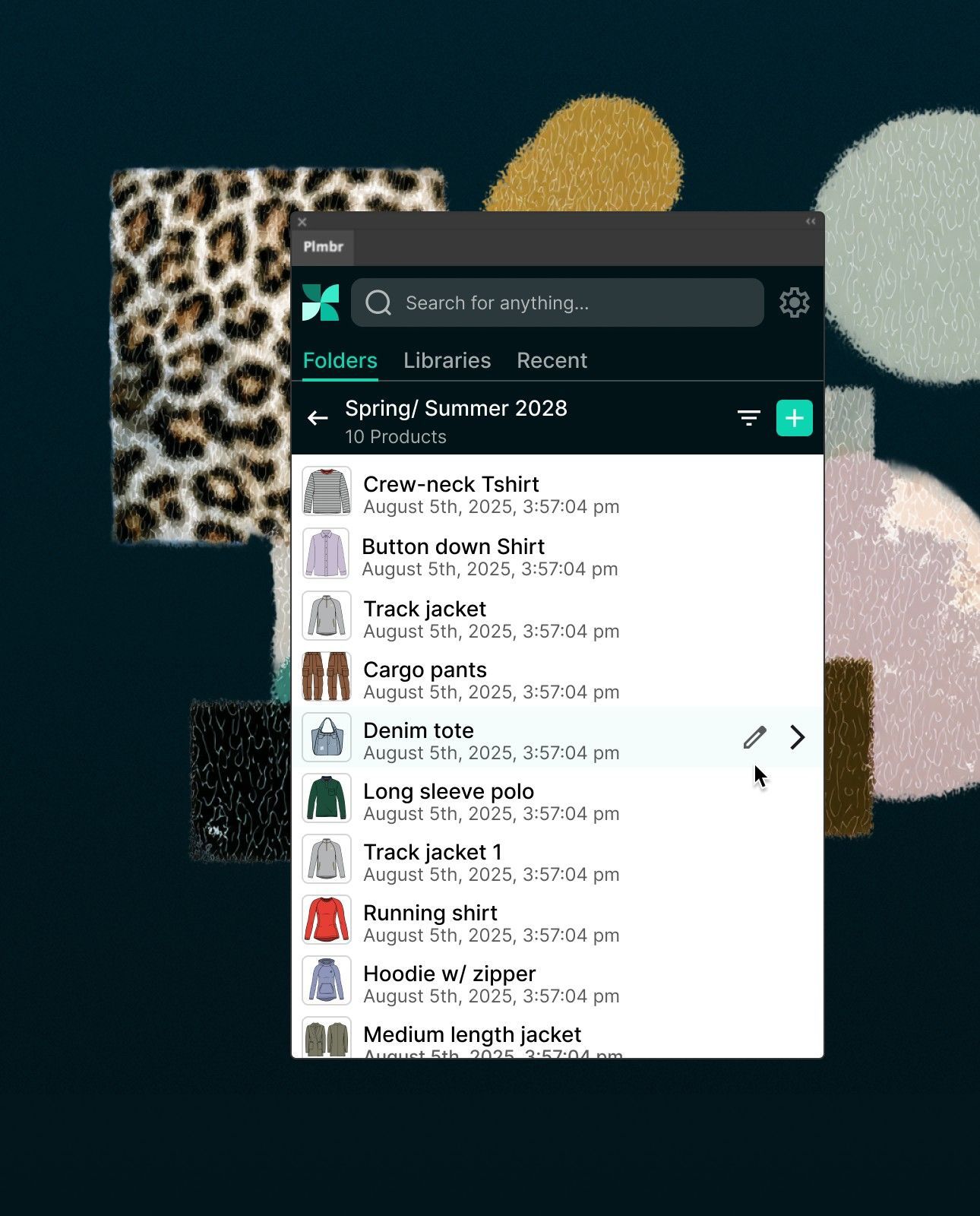
✨ Adobe Illustrator plugin for PLMBR
Designers stay in Illustrator. Everyone else stays in sync.
The free PLMBR plugin sends your flats from Illustrator to each product's workspace. Re-sync after every edit, and your whole team sees the latest.
How it works

Sketch it
Keep drawing in Illustrator exactly like you do today. No new tools to learn, no habits to break.

Send it
Push artboards to PLMBR from the panel inside Illustrator. Made a change? Resync in one click.

Spec it
Your team adds callouts and measurements in PLMBR, then generates a factory-ready tech pack.
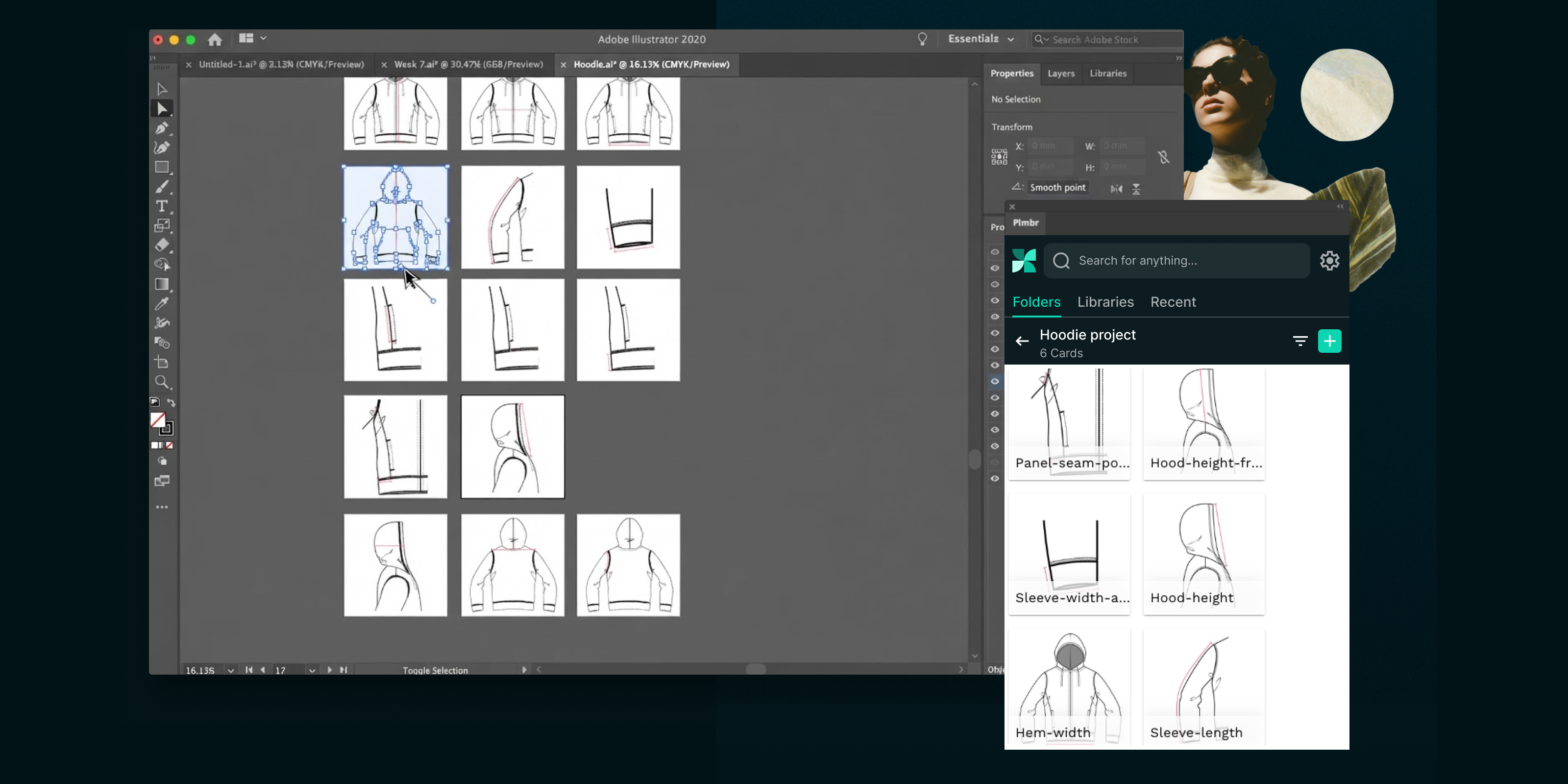
Sketch it
Keep drawing in Illustrator exactly like you do today. No new tools to learn, no habits to break.
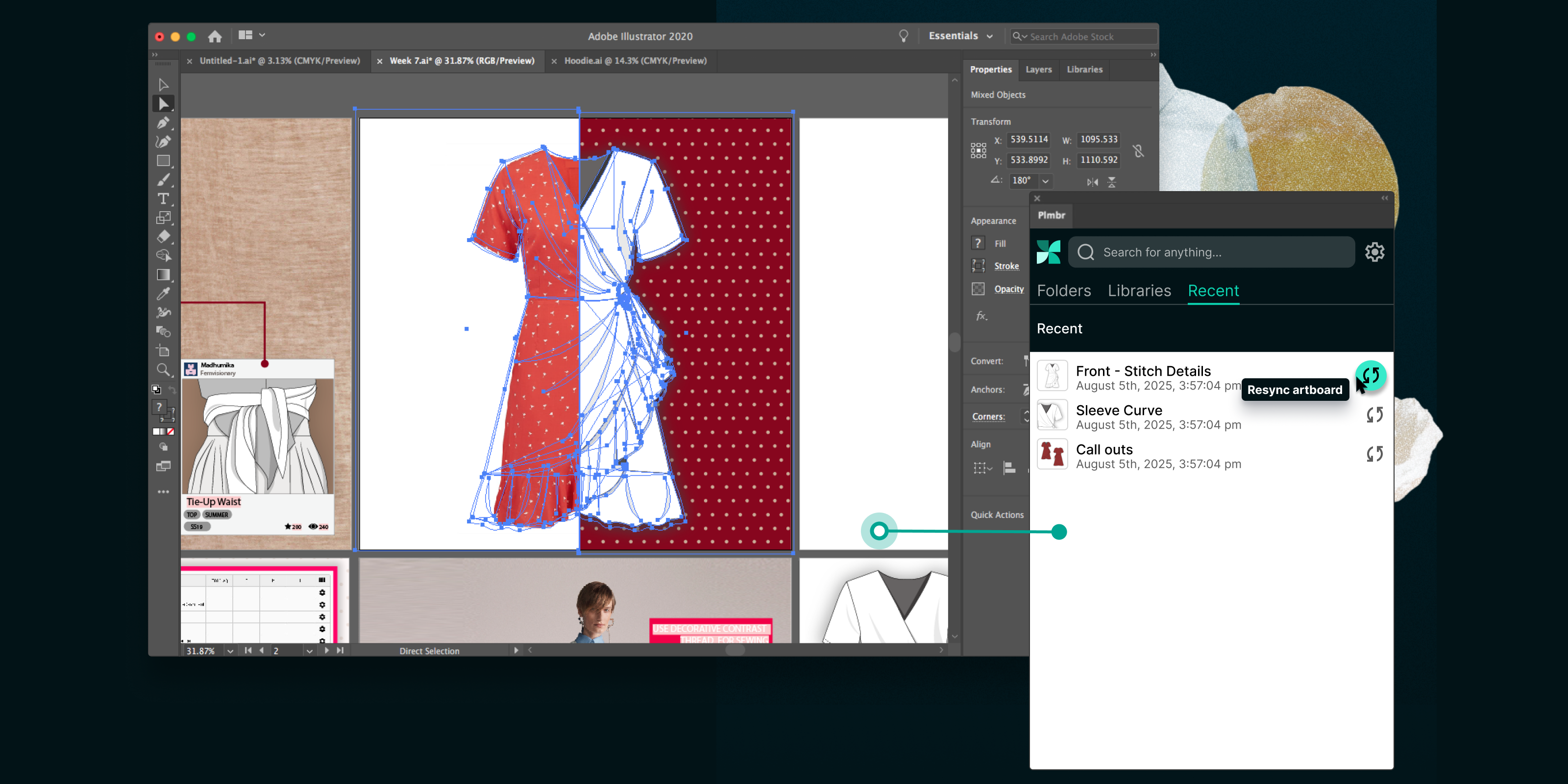
Send it
Push artboards to PLMBR from the panel inside Illustrator. Made a change? Resync in one click.
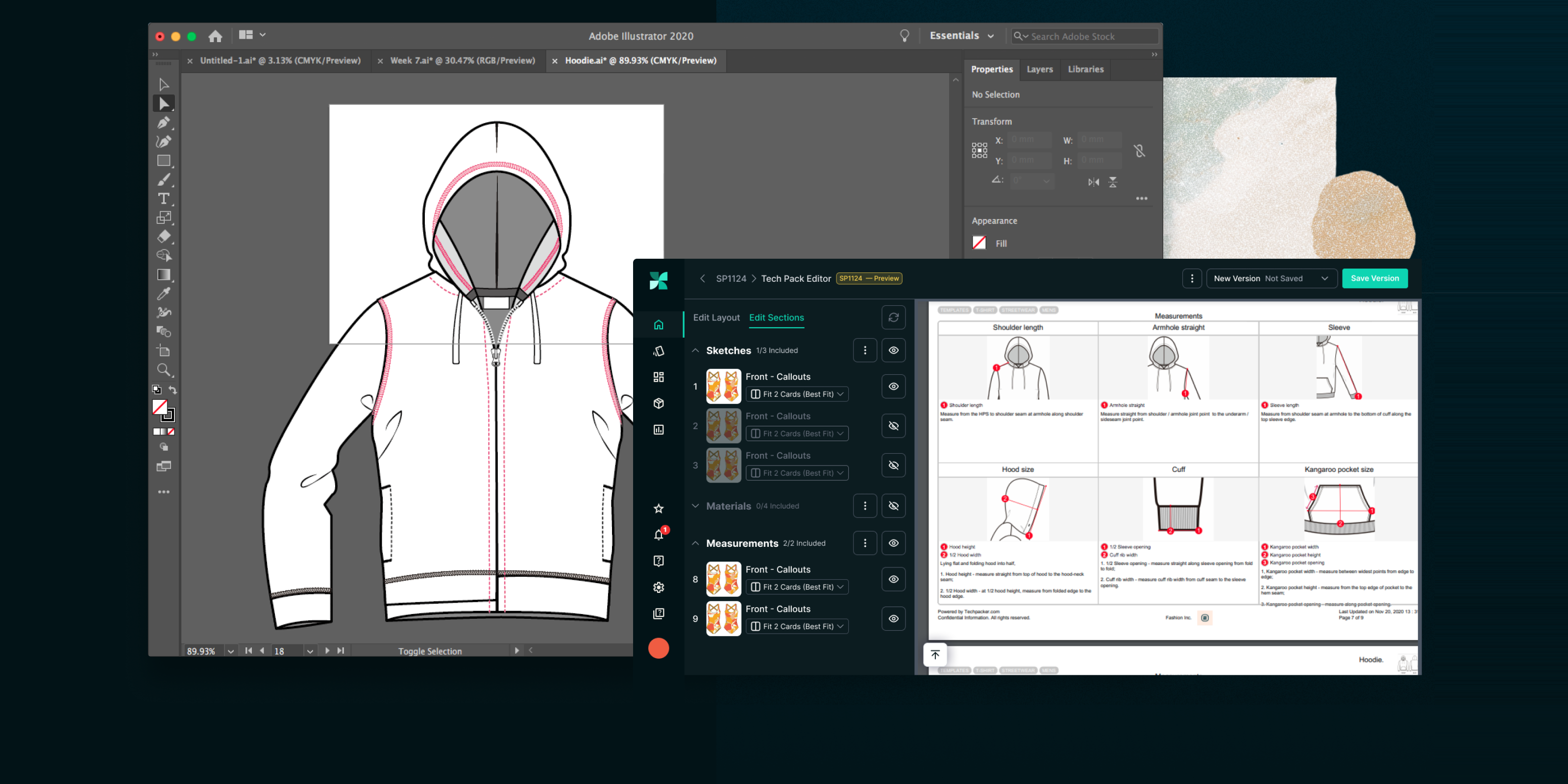
Spec it
Your team adds callouts and measurements in PLMBR, then generates a factory-ready tech pack.

Everything your team needs, straight from Illustrator
Sync sketches, share libraries, attach source files, and build tech packs, all from the PLMBR panel.
🔄 Live Sketch Sync
Re-sync every revision in a click
Sketches change as development moves. Edit on your artboard, re-sync from the panel, and the product's workspace updates for your whole team.

Re-sync as many times as you need

No exporting, renaming, or re-uploading

Every edit stays in Illustrator

Heather Zager · Verified review on Adobe Exchange
★★★★★
“I love this extension!!! Right from within Illustrator I can open the extension and with a few clicks my tech packs are updated with the revised images. So much easier than exporting the AI to an image, saving to a file location and then signing in to Techpacker to then upload each one at a time.”
📐 Libraries from Illustrator
Build shared libraries without leaving Illustrator
Turn the POM diagrams and material sketches you redraw every season into libraries your whole team can use.

Reuse POM diagrams across every style

Add saved materials and trims to the BOM

One source of truth for the whole team
📎 Source Files, Attached
Keep every .ai file with its sketch
Attach the .ai when you sync, and it lands in the card's comments, right next to the sketch it belongs to.

Sketch, source file, and feedback in one place

No more hunting through drives and downloads

Share it with factories via your tech pack
📄 Workspace to Tech Pack
Latest sketch to tech pack, zero formatting
Push your latest sketch, then turn the product's workspace into a factory-ready PDF in a couple of clicks.

No reformatting, ever

Send any version to your manufacturer

Every version saved with timestamps
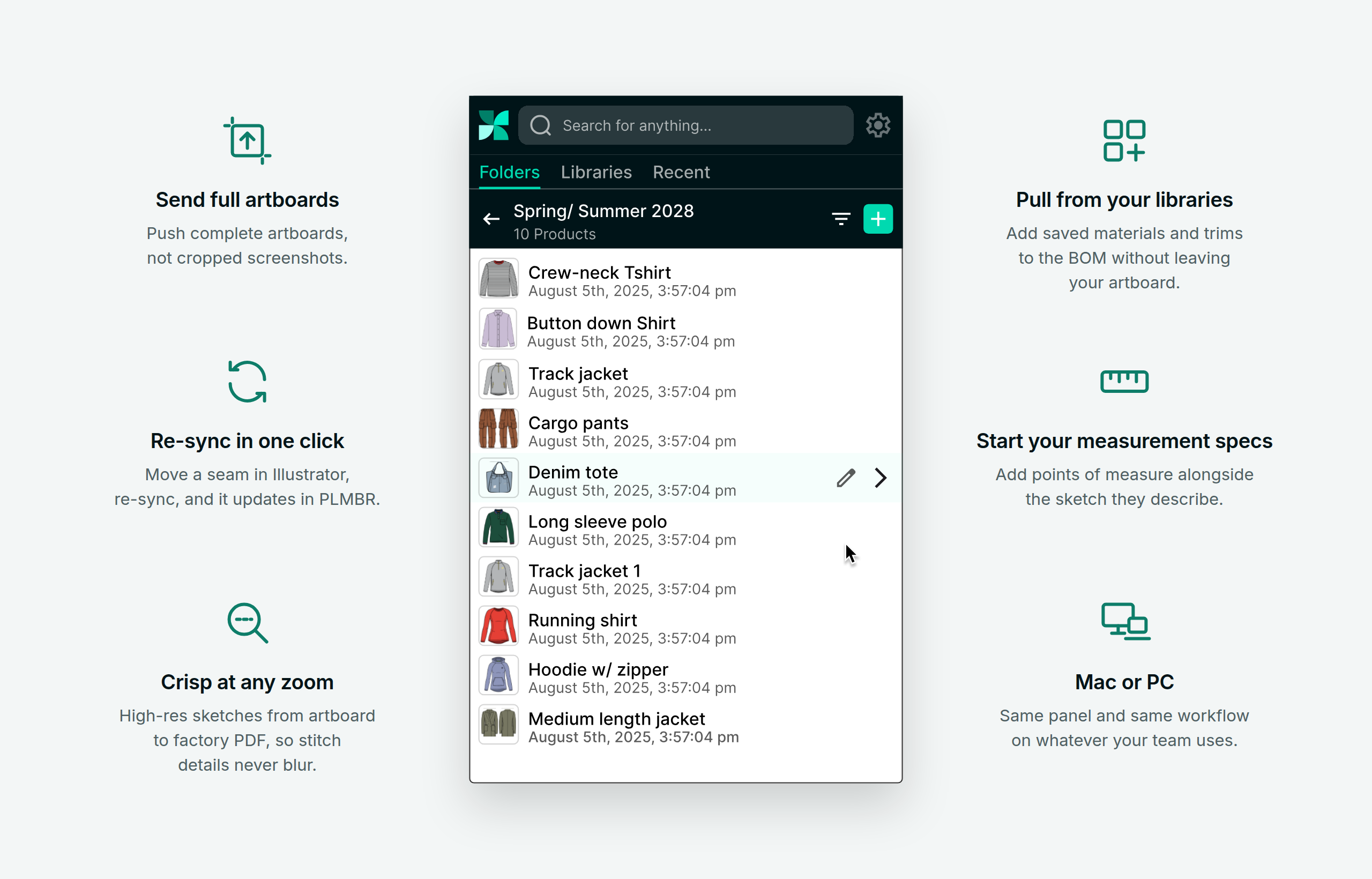
Built for the way designers work
The PLMBR panel fits right into how you already draw, on Mac or PC.
Frequently asked questions
-
Yes. You need Adobe Illustrator and a PLMBR account.
-
2019 and later. We recommend the latest version.
-
Window > Extensions > PLMBR.
-
No. You keep working in Illustrator exactly as you do now.
-
Your team, inside each product's workspace. Manufacturers only see the tech pack versions you choose to share.
-
Yes, any flat you can draw in Illustrator.
-
You're in control. Re-sync any artboard from the panel whenever you're ready to share, as often as you like.
Your factory shouldn't be working from last week's sketch.
Get the free plugin and keep your whole team on the latest sketch.